It’s said that to become smart you need to read just ten books, but to find those ten, you need to read thousands. That’s no mean feat, so in a bid to help things along, the task was set to create a platform for users to discover and share books within an online community - a book centric ‘source and share’ app.

Research began into existing products that work on a similar principle. Many features offered by competitors were overcomplicated and often underused. The aim of shelf was to strip away those excesses and provide a minimalist, straightforward approach to discovering new books, and sharing those books with others. Accordingly, the development process centred around refining usability and optimising key features:
1. Iterative Prototyping - Interactive wireframes were created to simulate user interactions. These were tested with early adopters to gather insights, which were used to refine navigation, layout, and functionality.
2. Simplification - Only essential features were prioritised, including an intuitive booklist system, and personalised reading recommendations. Unnecessary elements were carefully eliminated in order to maintain a streamlined user experience.
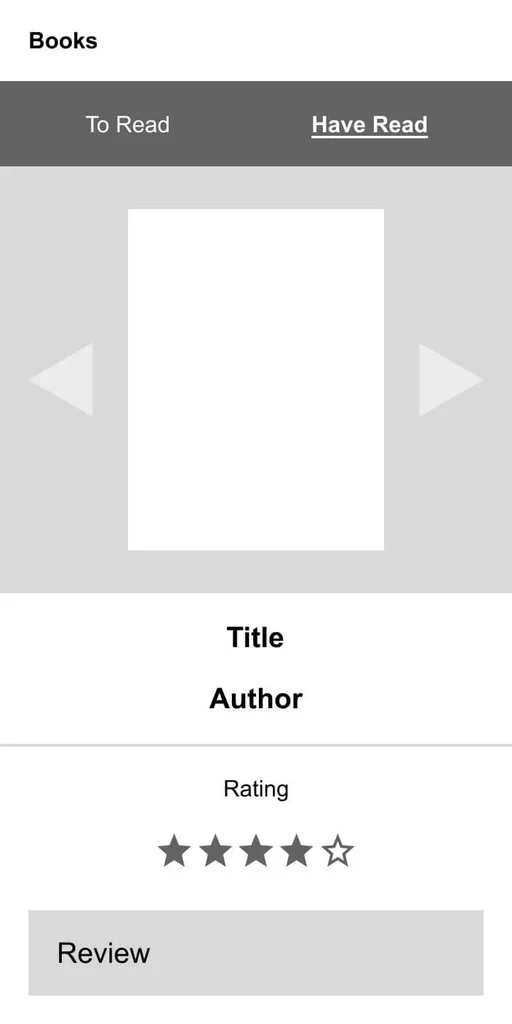
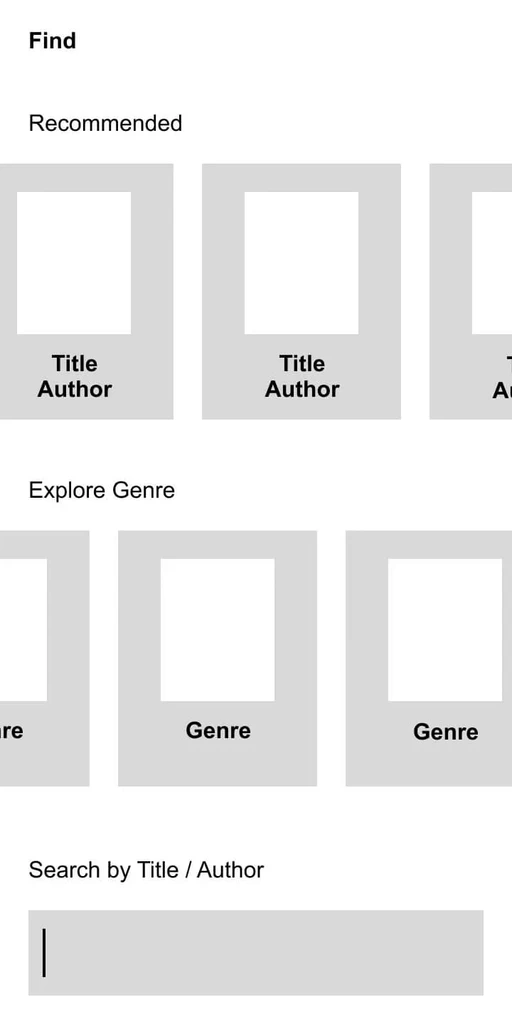
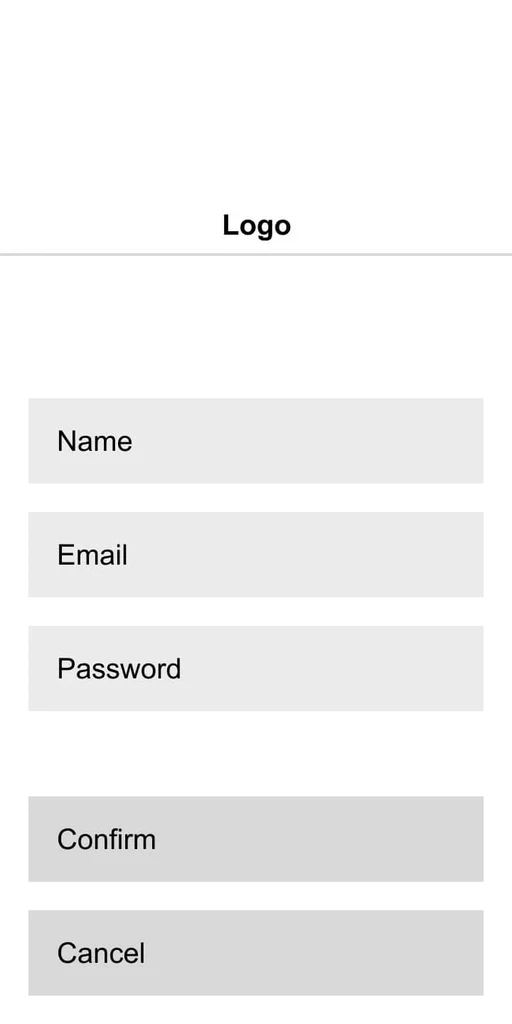
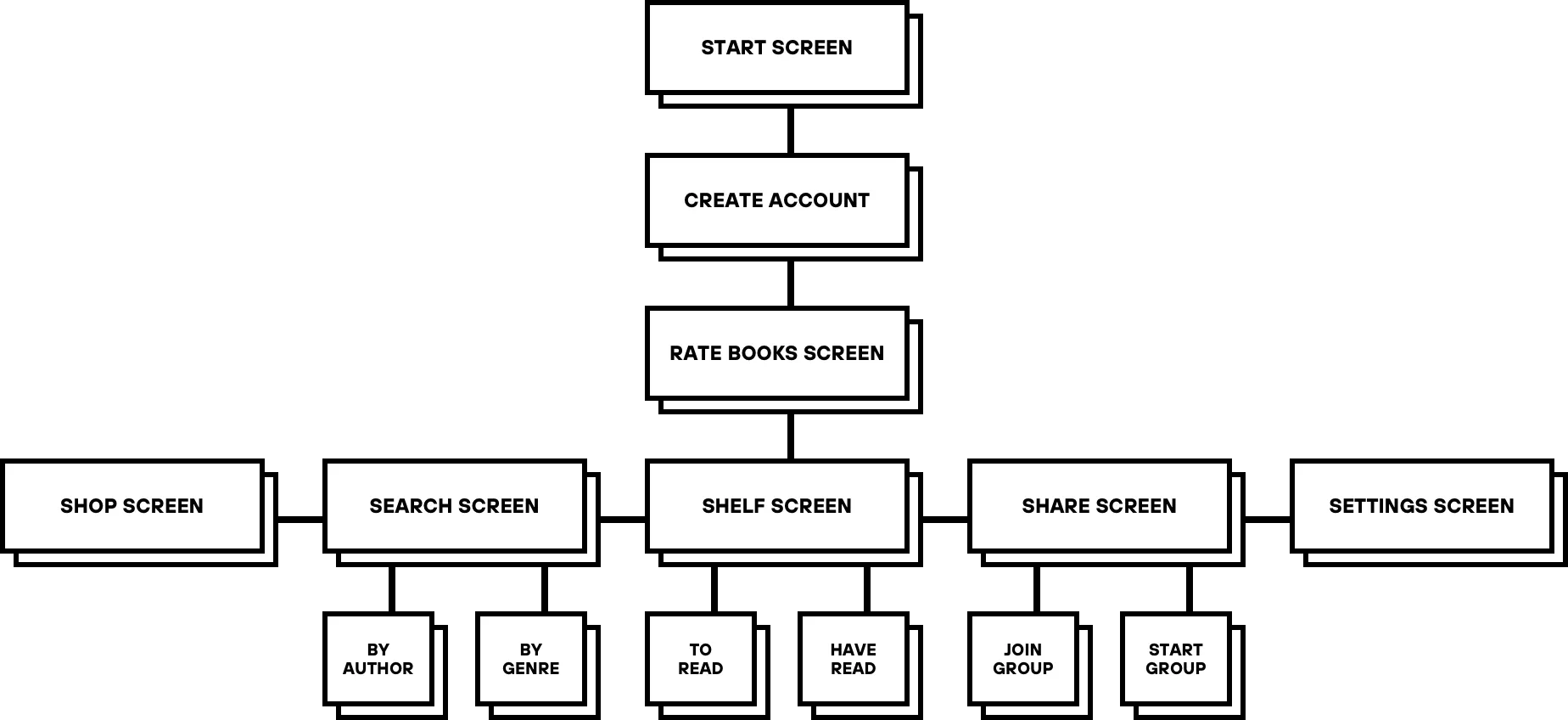
This concept leaned into bold minimalism, drawing on the structure and quiet authority of a grand library.
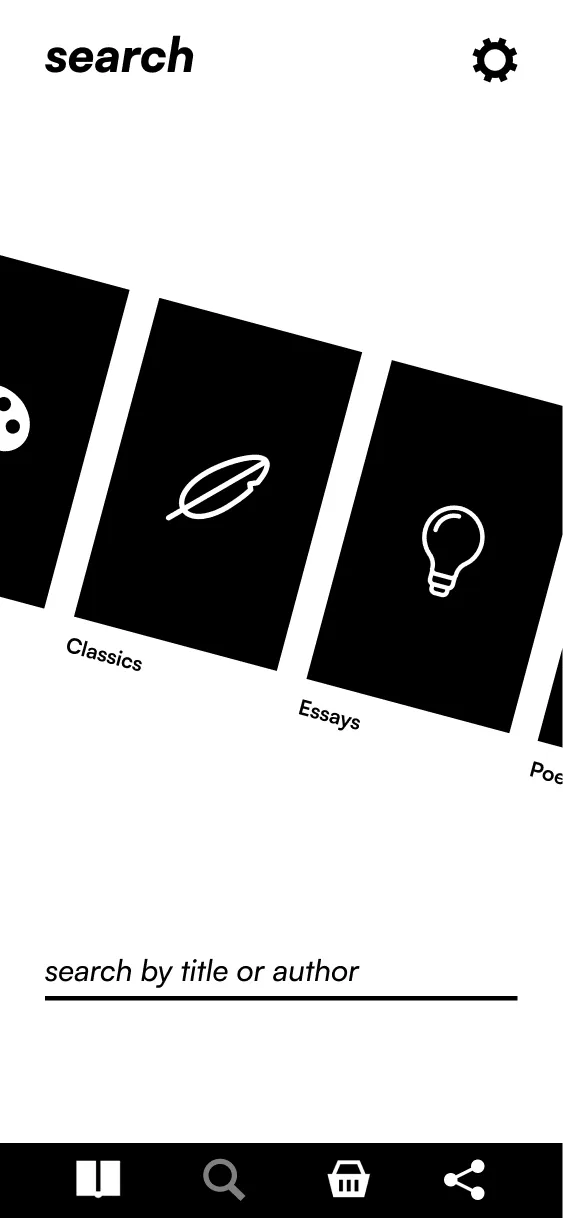
Clean lines and deliberate spacing bring a sense of order, while irregular scrolling behaviour introduces a modern, unexpected rhythm to the app.

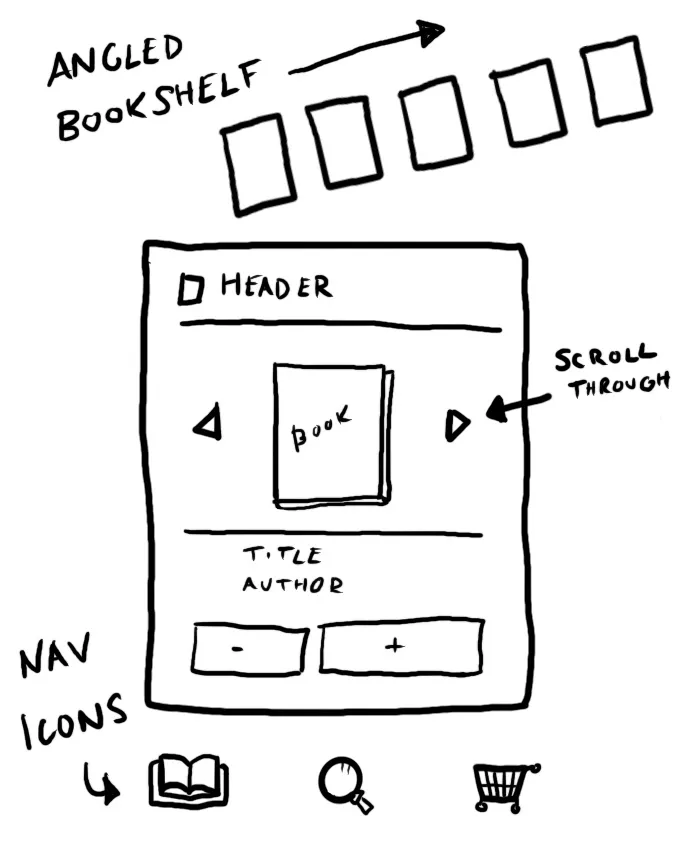
Angular elements and sharp edges provide a striking contrast to the otherwise stripped-back layout, reinforcing a visual identity that’s both refined and assertive.
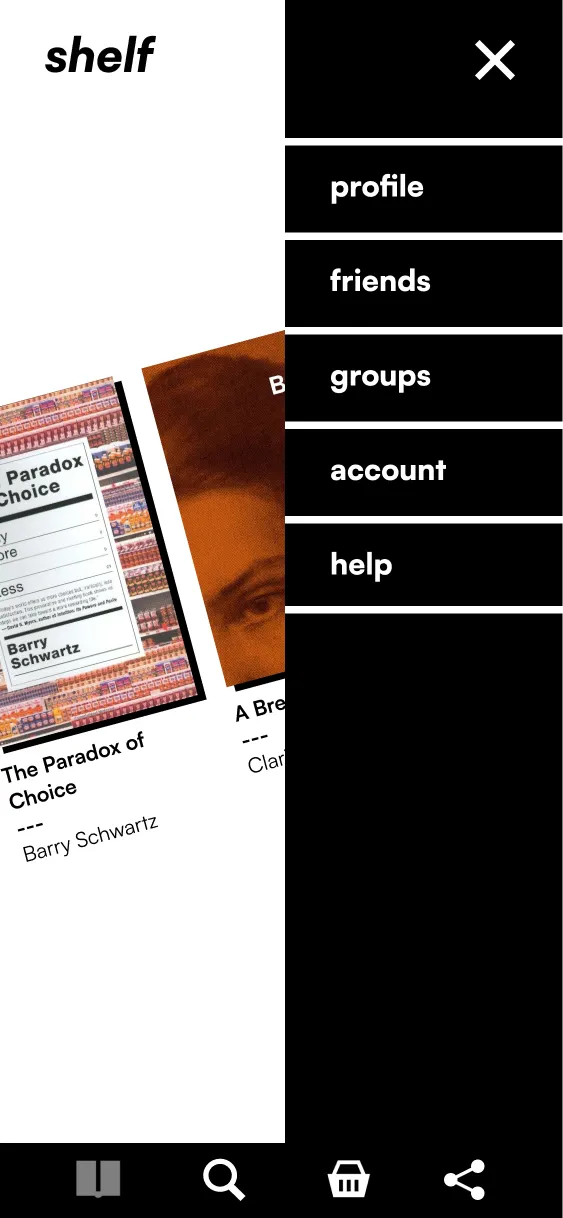
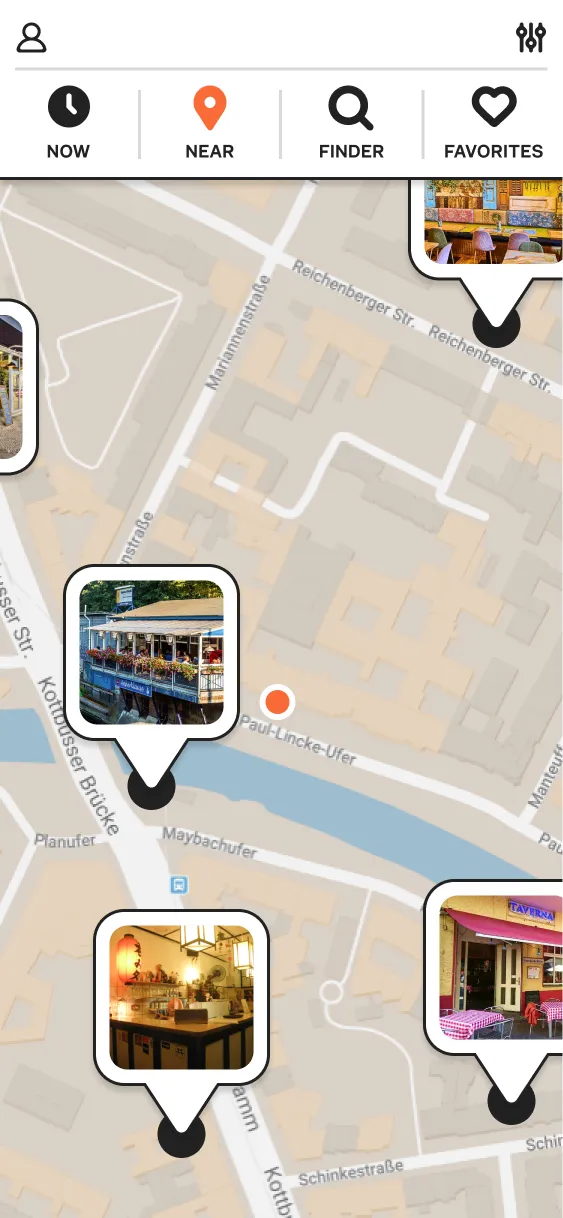
Thanks to those clickable prototypes, the early, regular feedback, and its streamlined, no-nonsense aesthetic, shelf launched with an NPS of 64, reflecting strong word-of-mouth excitement from early adopters, describing it as “smart,” “uncluttered,” and “like Goodreads, if it went to therapy”. The app quickly gained traction, with 90% of users added their first book within two minutes of onboarding, and those who joined book groups returned three times as often. The app’s early success also caught the attention of book influencer communities, opening doors to meaningful partnerships. To be continued...

2026
©